A guest once asked me, on the drive out from Ol Kiombo airstrip, if she’d wasted her money leaving her Nikon at home. Twenty minutes later a leopard walked across the road in front of us, and she got the shot on her iPhone. Grainy, a little soft at the edges, but real. She still has it printed on her wall.
That’s the honest truth about smartphone photography safari Kenya tips: your phone will not out-shoot a guide’s 600mm lens on a distant cheetah. But it will get you photos worth keeping, if you know the tricks that actually matter here, not the generic ones written for “Africa” in general. Let’s get into it.
Smartphone Photography Safari Kenya Tips: Camera Settings That Actually Help in Kenya’s Light
Turn off digital zoom before anything else. It’s the single biggest reason smartphone safari photos look bad. Digital zoom just crops and stretches pixels, so a “zoomed in” lion is a blurry lion. Shoot wide, get close with vehicle positioning, and crop later in editing.
Use these settings as your baseline:
- ProRAW or RAW mode (iPhone 12 Pro and later, most Samsung Galaxy S22 and up) gives you far more room to recover shadow detail from a lion under a bush.
- Burst Mode for anything moving. A cheetah chase happens in under ten seconds. Hold the shutter down and sort later.
- HDR on for the flat midday light you’ll get in Samburu and parts of Amboseli, where the sun sits high and contrast gets harsh by 11am.
- Night Mode, carefully. It’s built for still scenes and will blur a moving hyena at a campfire sighting. Use it for star shots over camp, not wildlife.
In the Maasai Mara, the golden hour dust kicked up by wildebeest herds actually works in your favor. Backlit dust turns ordinary light into something cinematic. Shoot toward the sun in early morning game drives around Naboisho or the Mara Triangle and let the dust do the work.
Zoom: The Honest Limitation
This is where I’ll disagree with most photography-first guides. A phone’s optical zoom cannot match a DSLR with a 400mm lens on a leopard 80 meters up a sausage tree in the Mara. That’s true even on a Samsung Galaxy S24 Ultra with its 10x optical range. Anything past that optical range turns to digital zoom, and digital zoom is where good photos go to die.
So work within the limit instead of fighting it. Ask your driver-guide to position the vehicle closer. Kenyan guides do this well and often, since KWS and conservancy rules allow closer approach distances than many parks elsewhere in East Africa. Or shoot wider environmental shots, the elephant herd against Kilimanjaro in Amboseli, rather than trying to fill the frame with a single distant animal.
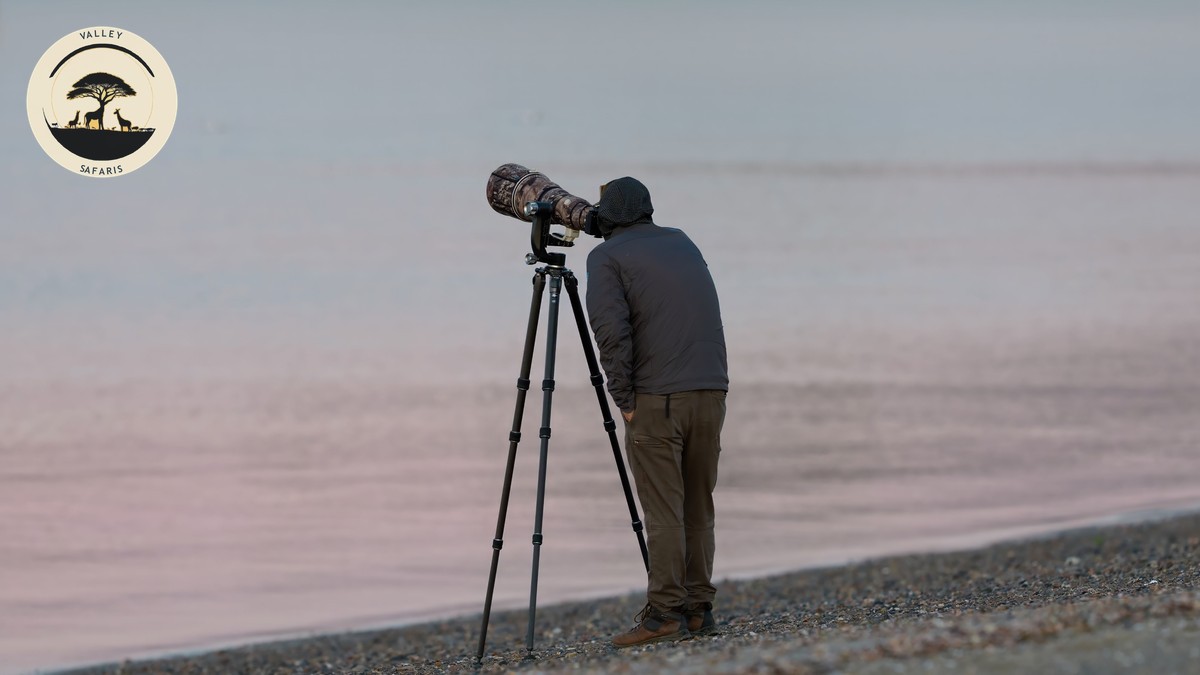
For the shots your phone truly can’t reach, ask to look through your guide’s camera or spotting scope instead. Most Valley Safaris guides carry binoculars and are happy to let you photograph the screen on a big zoom shot when the moment calls for it.
Clip-On Lenses: Worth the Bag Space?
Clip-on telephoto lenses (brands like Moment or Sandmarc, roughly $80 to $150 USD) can add 2x to 4x reach. On a tripod in a stable setting, they work reasonably well. On a moving safari vehicle over Mara or Amboseli’s dirt tracks, they’re harder to keep steady, and the clip mounts sometimes shift with vibration, throwing off focus.
If you bring one, test it before the trip. Pack it in a padded pouch, not loose in a daypack, since dust works into the lens threads fast on Kenya’s dirt roads.
Composition That Reads as Intentional
Simple rules go a long way on a small screen:
- Frame the animal off-center, roughly a third of the way into the shot, and leave space in the direction it’s facing or moving.
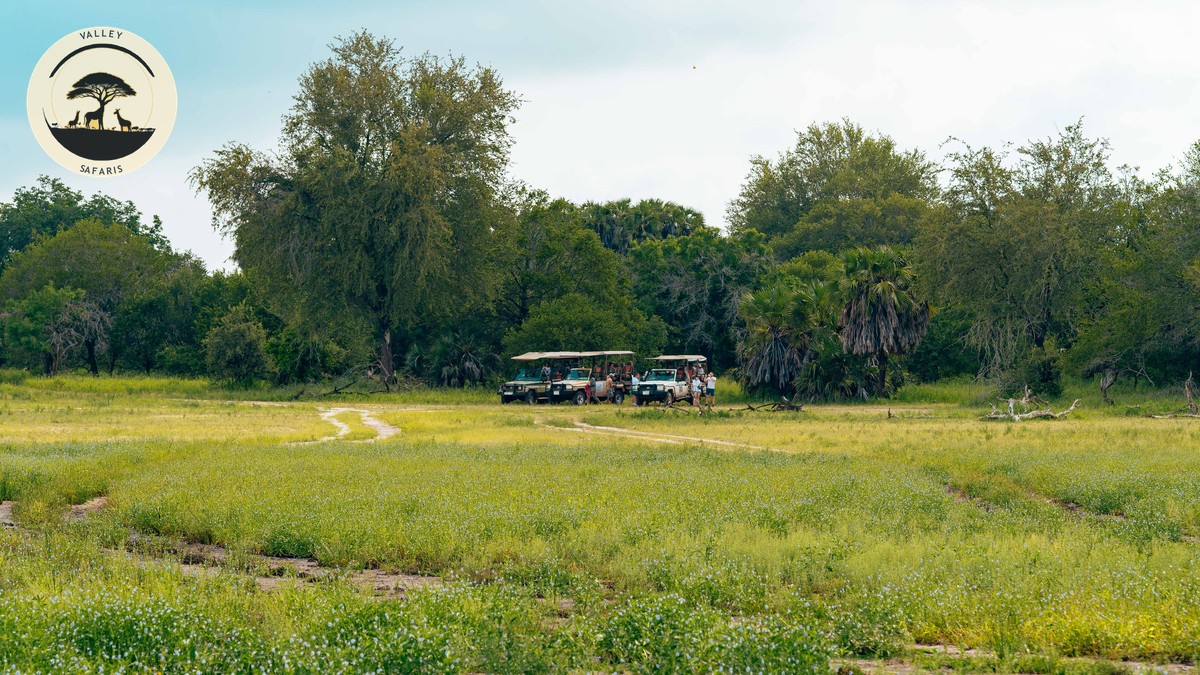
- Use the vehicle’s pop-top roof hatch, common in Land Cruisers used across the Mara and Amboseli circuits, to shoot at eye level with the animal rather than down at it.
- Include the landscape. Amboseli’s flat plains with Kilimanjaro behind a herd of elephants tell a better story than a tight crop ever will.
- Watch your horizon line. A tilted horizon is the fastest way to make a good photo look accidental.
Stabilization on a Bumpy Vehicle
A full tripod is dead weight on a game drive, you won’t have time to set it up before the sighting moves. What actually works:
- A small bean bag (bring one or ask your camp, many keep spares) braced on the vehicle door or roof rail.
- Bracing your elbows against your ribs and holding the phone with both hands, elbows locked into your torso.
- Cutting the engine when your guide stops for a sighting, which most do automatically. Vibration from an idling engine is a bigger problem than most people expect.
A flexible mini gimbal, roughly $40 to $70 USD, helps for video far more than stills, and it’s worth packing if you plan to shoot clips of a river crossing.
Best Phones for Wildlife Shooting Right Now
| Phone | Optical zoom | RAW support | Rough price (new) | Best for |
|---|---|---|---|---|
| iPhone 16 Pro Max | 5x | ProRAW | $1,200 USD | Overall reliability, editing ecosystem |
| Samsung Galaxy S24 Ultra | 10x optical, up to 100x digital | Expert RAW | $1,300 USD | Longest reach before quality drops |
| Google Pixel 9 Pro | 5x | RAW | $1,000 USD | Low-light and HDR processing |
| iPhone SE (budget option) | 1x, digital only | No | $430 USD | Landscape and camp shots, not distant wildlife |
Treat the zoom numbers above as your ceiling, not your default. Shooting at maximum zoom on any of these still costs you sharpness.
Protecting Your Phone from Dust, Heat, and Dead Batteries
The Mara and Amboseli both throw up fine red dust that finds its way into every port and seam. A few things I tell every guest:
- Pack a simple silicone case with port covers, not just a screen protector.
- Wipe the camera lens with a microfiber cloth before every game drive, dust settles on it faster than you’d think.
- Keep a power bank (10,000mAh or larger) charged daily. Most tented camps run generators for a few hours a day, not 24-hour power, so charge whenever it’s available rather than waiting until you’re low.
- Heat matters more than people expect. A phone left on a dashboard in direct sun during a midday break can hit temperatures that trigger automatic shutdown. Keep it in a bag, not the sun.
Storage fills faster than expected too. RAW and burst shooting on a week-long circuit can easily use 40 to 60GB. Bring a phone with at least 256GB, or plan to back up to a portable SSD or cloud each evening. Camp WiFi across the Mara and Amboseli is often patchy, so don’t count on uploading in real time. Sorting out getting a Kenya eSIM sorted before you go helps with backups when you do catch a signal, usually near lodges or on higher ground.
Editing Apps Worth Downloading Before You Land
- Snapseed (free) handles most quick fixes, exposure, shadows, and selective sharpening.
- Lightroom Mobile (free tier, or roughly $10 USD a month for Creative Cloud) is the strongest option if you shot RAW.
- VSCO (free tier, roughly $30 USD a year for full access) is good for consistent color across a whole gallery.
Download these before you travel. App stores don’t load reliably on patchy Mara or Samburu signal.
When a Phone Genuinely Isn’t Enough
I’ll say this plainly, because most guides won’t. If your main goal is a frame-filling shot of a leopard’s eyes, or a cheetah mid-stride at 40 meters, a phone will disappoint you. That’s what a photography hide and a borrowed long lens are for, and several conservancies around the Mara offer exactly that. Samburu’s harsher midday sun is also less forgiving on a small sensor than the Mara’s softer morning light. Plan your best phone shots around the typical game drive schedule, which puts you out during the two golden hours anyway.
The Valley Safaris Difference
We’ve watched enough guests shoot with phones to know where it works and where it doesn’t. Our guides know which side of a sighting has the light behind you. They know when to cut the engine for a steady shot, and when to hand over the binoculars instead of promising a photo your phone can’t take. We build our Mara and Amboseli circuits around the golden hour windows on purpose. It’s not just for the wildlife activity. It’s because that’s when a phone camera performs closest to a real camera. That’s a small detail, but it’s the kind of detail that shows up in your photos at the end of the trip.
Plan Your Trip
If you’re weighing a smartphone-only kit against renting gear, or just want a circuit built around the best light Kenya has to offer, we’re happy to talk it through. Have a look at our contact page and let’s plan a trip that suits your camera bag, whatever’s in it.